
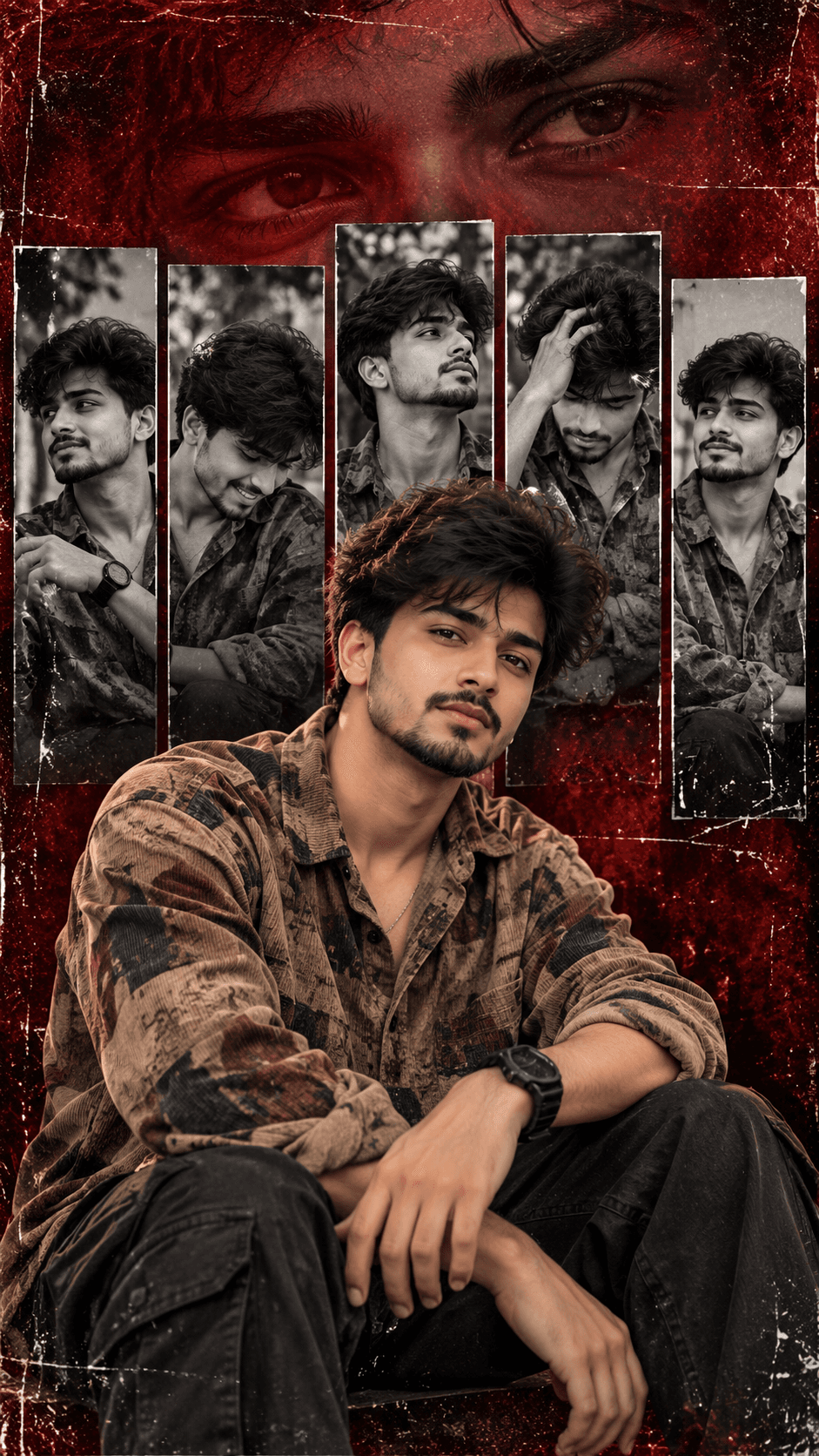
Grungy Photo Collage
AI prompt for ChatGPT ·
About this prompt
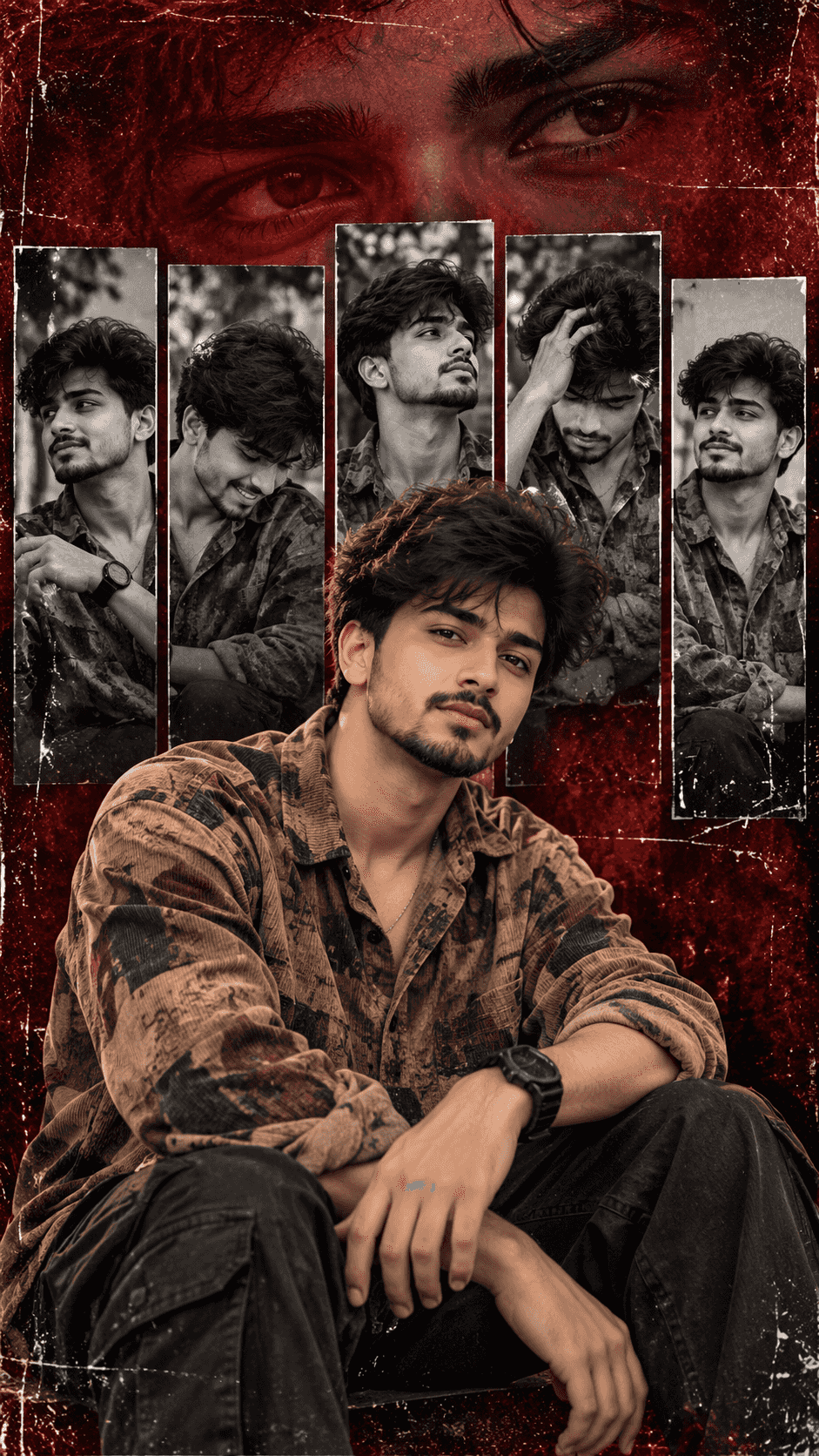
Create a grungy cinematic photo collage with a crimson backdrop, monochrome portrait panels and an eye overlay. Customise the subject and outfit.
How to use this prompt
- Open your AI image-generation tool and start a new image.
- Upload your reference photo if you want the generated subject to resemble you and the tool supports image references.
- Replace the subject description with your appearance, outfit and pose.
- Copy the complete prompt template and paste it into the image-generation prompt box.
- Select a 9:16 vertical aspect ratio in the tool's settings if available.
- Generate the image and check the face, panel arrangement, eye overlay and crimson background.
Tip: Change the background to deep navy blue or use six monochrome panels.
Note: Exact facial identity preservation depends on the tool and reference-image feature. A prompt alone cannot guarantee 100% identical facial features.
Customize Parameters
Fill in the fields below to customize your prompt
Live Compiled Prompt860 chars
Aspect ratio 9:16, vertical.
A cinematic photo composite poster of YOUR SUBJECT — describe yourself: appearance, outfit, pose in natural color, looking casually forward in the foreground. Behind them are five vertical, high-contrast, black-and-white photographic panels displaying the same subject in various candid, film-grained poses. A massive, low-opacity overlay of their eyes spans across the top of the composite. The background is a heavily distressed, dark crimson/red grunge backdrop with paper grain, scratches, and a dark vignette. Eye-level, rich cinematic grading, graphic 2D layered collage, Film Emulation, sharp focus on foreground, textured overlay, graphic design, artistic composite, 85mm.
Negative prompt: plastic skin, distorted hands, blurry face, oversaturated colors, flat lighting, messy graphics, overlapping text, modern patterns.
Related Prompts
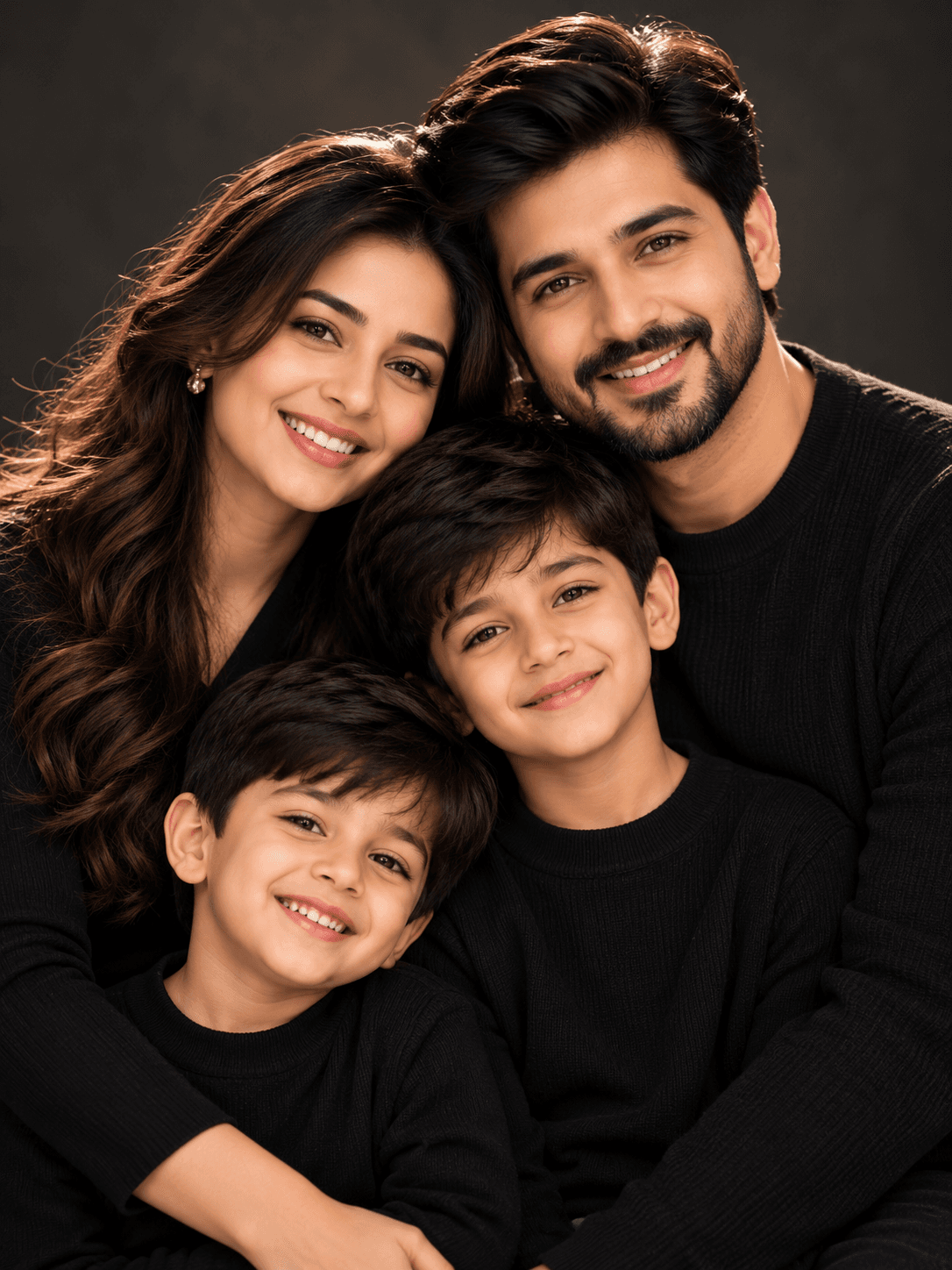
Discover more ChatGPT prompt templates with output previews and customizable fields.