
inematic Vintage Edit
AI prompt for ChatGPT ·
About this prompt
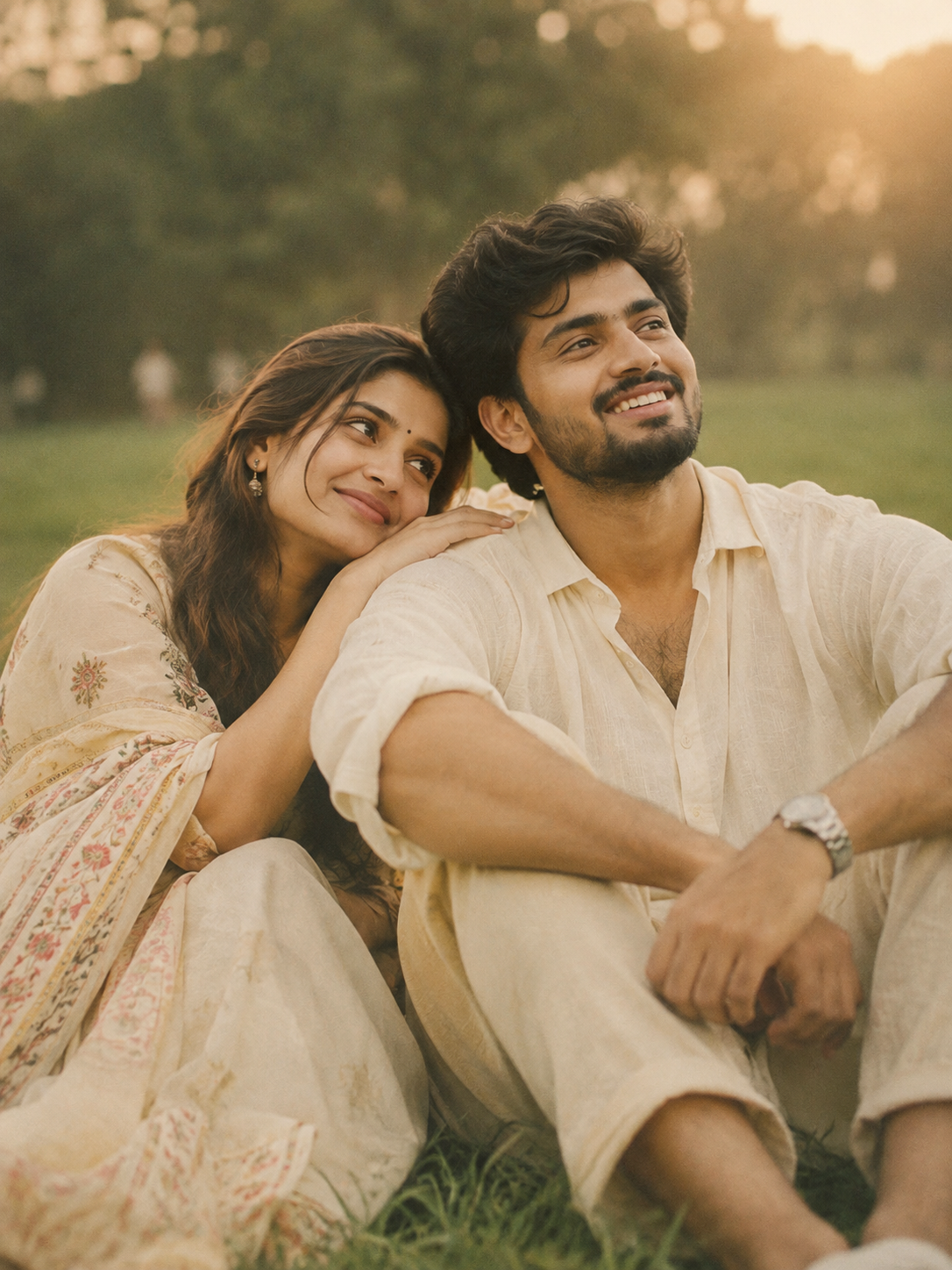
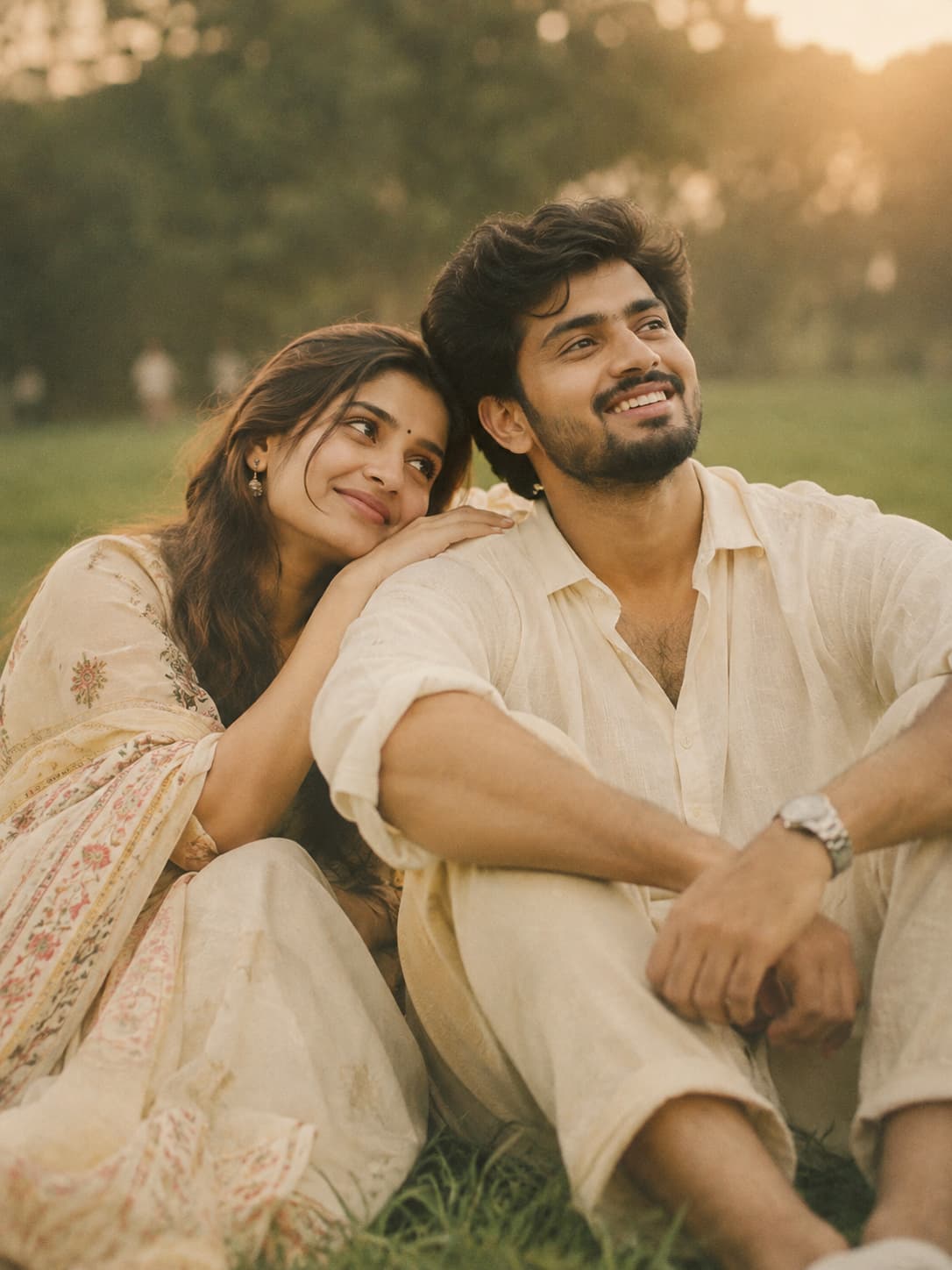
Create a cinematic vintage film look with ChatGPT using warm beige tones, muted green grass, creamy highlights, golden glow and soft film grain.
How to use this prompt
### HOW TO USE IT
- Open ChatGPT and upload the photo you want to edit.
- Copy the complete Vintage Film Colour Grade prompt from PromptZen.
- Paste the prompt into the ChatGPT message box.
- Ask ChatGPT to edit your uploaded photo using the given cinematic vintage film style.
- Keep your original face, outfit, pose and background details unchanged while applying the colour grading.
- Generate the image and check the warm beige tones, muted green grass, golden glow and soft film grain.
**Try:** Experiment with softer golden highlights or slightly deeper muted green tones.
Customize Parameters
Fill in the fields below to customize your prompt
Live Compiled Prompt727 chars
Apply a cinematic vintage film color grade with soft warm beige, creamy whites, and muted green tones. Add a dreamy golden-hour white glow and low-contrast lighting. Use Kodak Portra-inspired pastel tones with faded highlights and matte shadows. Enhance the natural grass with muted green hues while preserving the soft cream tones of the clothing. Add a slight warm yellow tint to the overall image, soft film grain, atmospheric haze, and smooth tonal transitions. Maintain a shallow depth-of-field look with creamy bokeh and a nostalgic romantic aesthetic. Soft contrast, desaturated colors, and a premium analogue film photography vibe.
Ultra-realistic DSLR quality, 85mm lens, f/1.8, high dynamic range, ultra-detailed 4K.
Related Prompts
Discover more ChatGPT prompt templates with output previews and customizable fields.