
Kids Fashion Portrait
AI prompt for ChatGPT ·
About this prompt
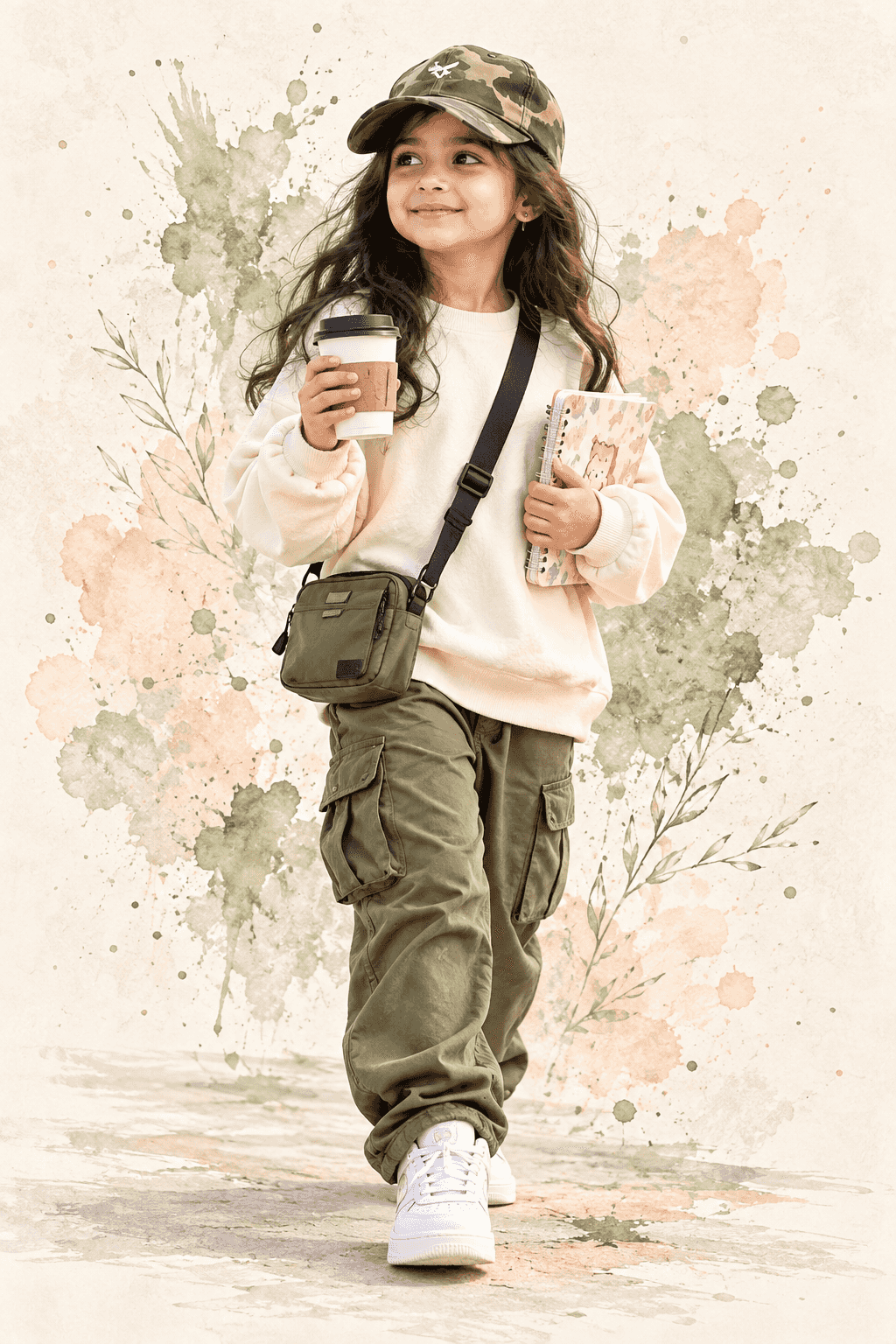
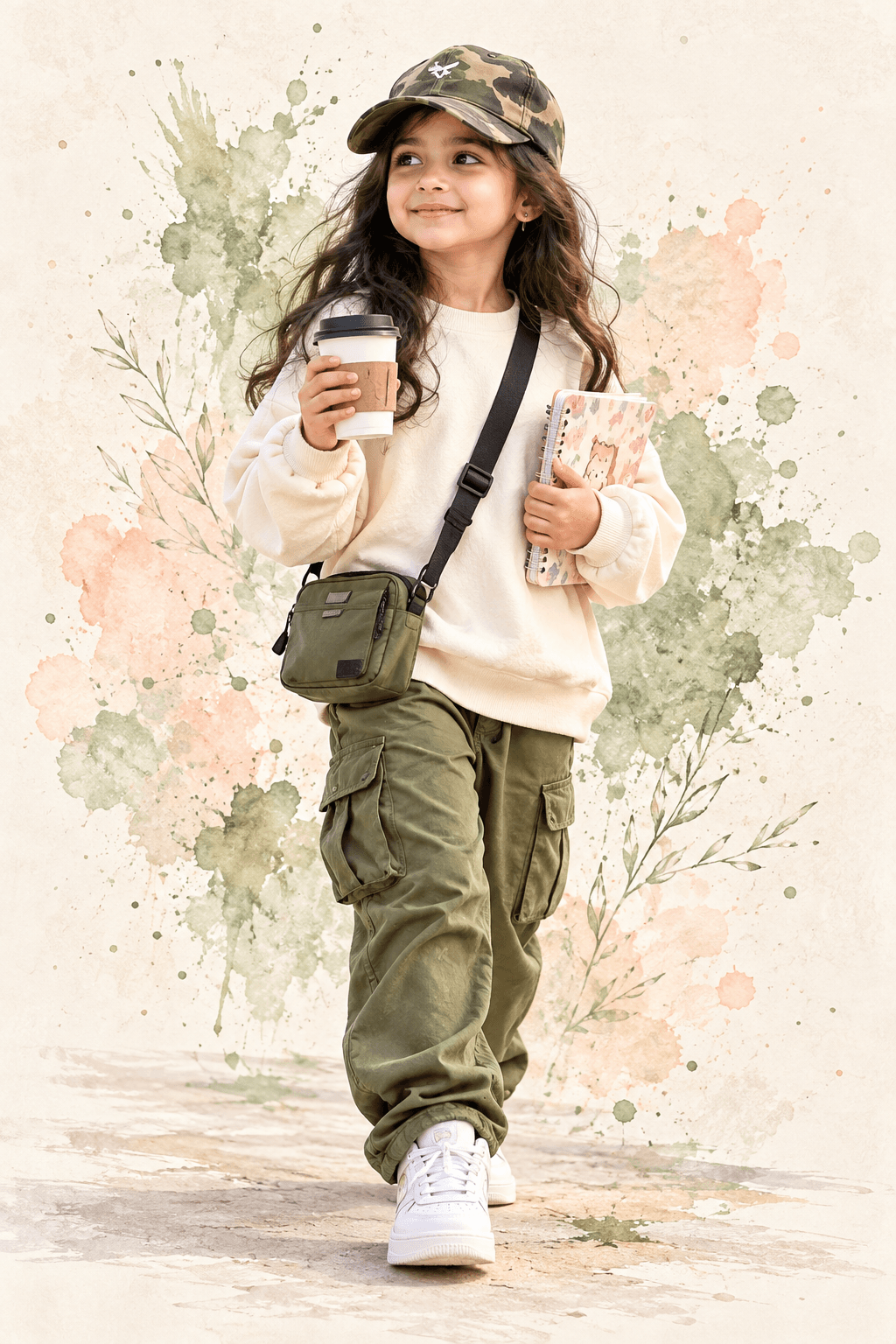
Create a realistic kids fashion portrait with ChatGPT featuring an olive outfit, white sneakers and watercolor accents. Change the clothing colours and accessories.
How to use this prompt
- Open ChatGPT and select the image-generation feature.
- Upload your reference photo if you want to guide the girl's facial appearance. Use a photo you have permission to use.
- Copy and paste the complete prompt into ChatGPT.
- Change the sweatshirt, cargo pants, and sneaker colours as needed.
- Generate the image and check that the full body, outfit, and accessories are visible. If the feet are cropped, ask ChatGPT to regenerate with more space below the sneakers.
- For a different layout, change the aspect ratio in the prompt to 3:4 or 9:16.
Tip: Change the olive cargo pants to beige, or use soft sage-green watercolor splashes.
Known limitations
- Facial resemblance to the reference photo may vary between generations.
- Hands, fingers, notebook details, and takeaway cup shapes may contain visual errors.
- Clothing colours and camouflage patterns may vary slightly.
- The requested aspect ratio and full-body framing are not guaranteed in every generation.
Customize Parameters
Fill in the fields below to customize your prompt
Live Compiled Prompt537 chars
Create a realistic full-body walking portrait of a 7-year-old girl, preserving the reference face naturally and realistically. She wears a cream oversized sweatshirt, olive cargo pants, white sneakers, and an olive camo cap. Add a small crossbody bag, takeaway cup, and cute notebook. Give her a cheerful, innocent expression. Use soft daylight, pastel watercolor splashes, and a warm textured off-white background. Photorealistic, natural child proportions, editorial photography, full body visible. Aspect ratio 4:5, vertical portrait.
Related Prompts
Discover more ChatGPT prompt templates with output previews and customizable fields.