

Personal Branding Portrait
AI prompt for ChatGPT ·
About this prompt
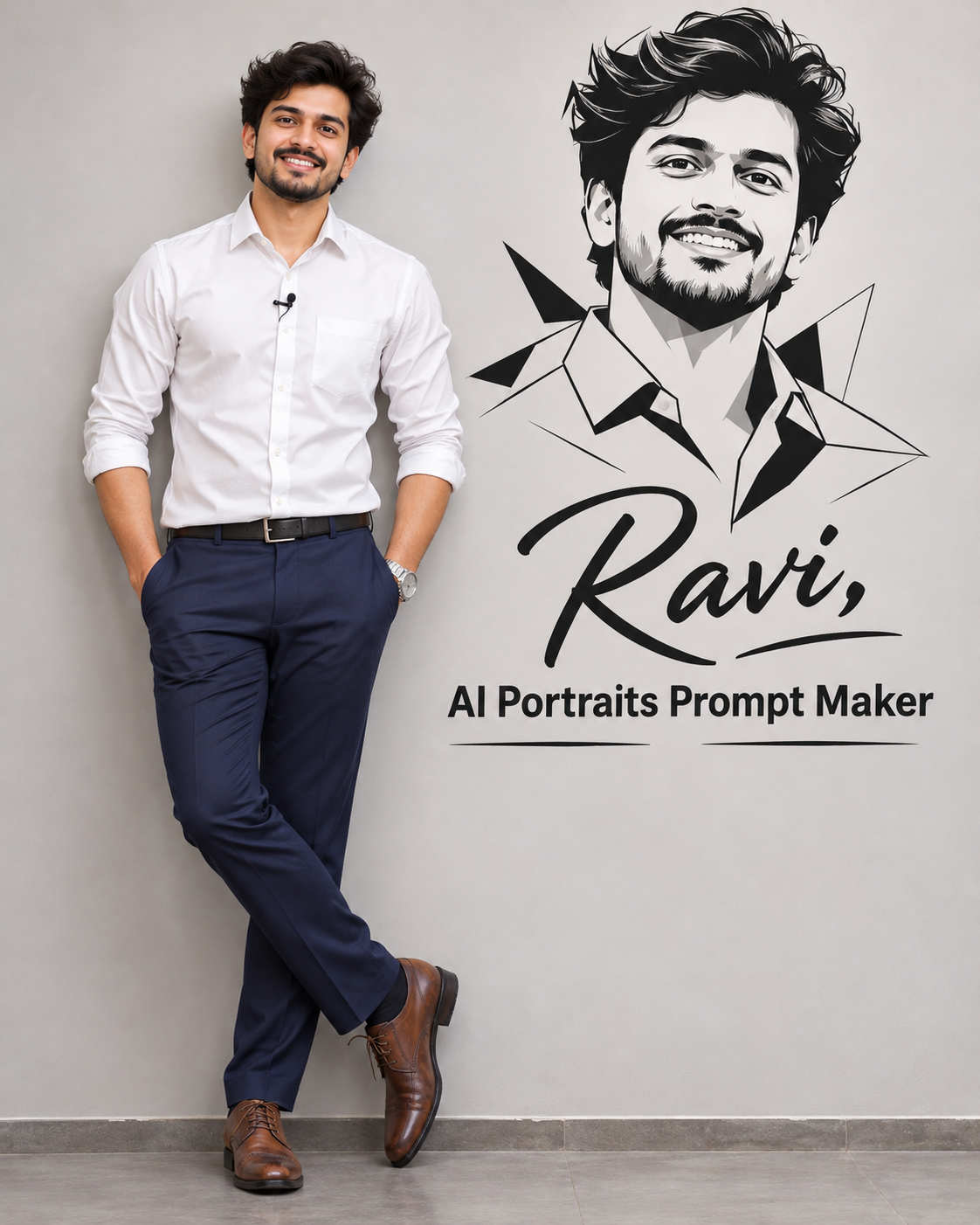
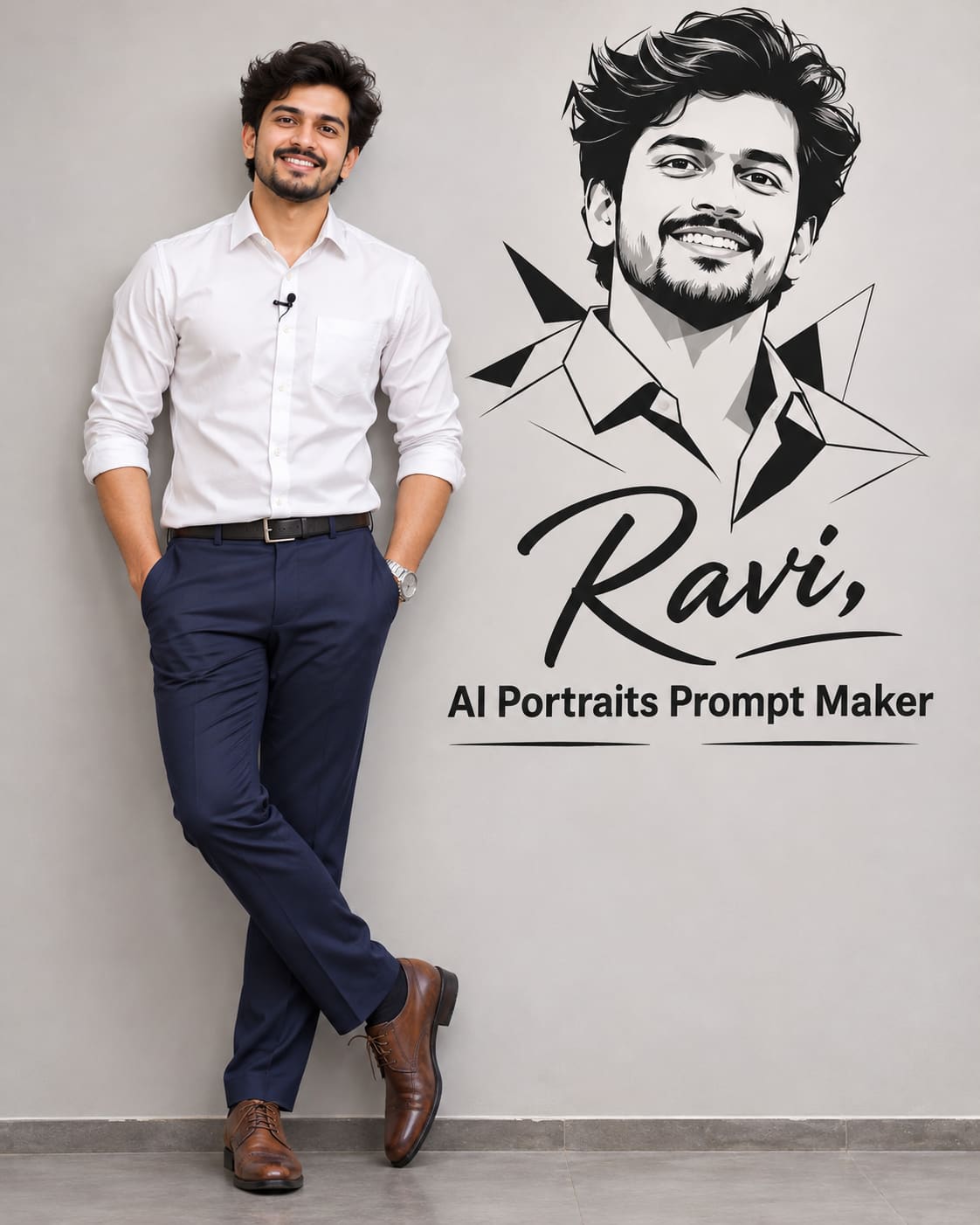
Create a personal branding portrait with ChatGPT featuring a man in a white shirt beside a bold black and white vector portrait. Customize the name and title.
How to use this prompt
- Open ChatGPT and select the image generation feature.
- Upload a clear photo of the man whose face you want to use as the reference.
- Copy the complete prompt template and paste it into ChatGPT.
- Replace
{{name}}with your preferred name and{{profession}}with your professional title.
- Generate the image in a vertical 4:5 aspect ratio.
- If the generated face does not closely match your reference photo, ask ChatGPT to improve the facial resemblance while keeping the same outfit, pose, vector artwork, and overall composition.
Tip: Change the name and professional title to create your own personalised branding portrait.
Customize Parameters
Fill in the fields below to customize your prompt
Live Compiled Prompt1018 chars
Ultra-realistic 8K full-body portrait of the same man from the reference photo, wearing a clean, pressed white dress shirt with a turned-down collar and a small lapel microphone, dark navy blue trousers, and polished brown dress shoes.
He is casually and unpretentiously leaning against a plain, light gray studio wall; his hands are in his pockets and one leg is crossed over the other, with relaxed and confident body language.
Add to the wall next to him a prominent black and white vector portrait of his face and chest, with sharp, angular lines, overlapping polygonal shapes, and a minimalist, modern graphic style.
Just below the vector portrait, display the name "Ravi", and below the name, display the professional title "AI Portraits Prompt Maker".
Ensure the typography is clean, modern, readable, and professionally aligned. Maintain a balanced composition, realistic lighting, natural body proportions, sharp details, and a premium personal branding photography aesthetic.
Aspect ratio 4:5, vertical.
Related Prompts
Discover more ChatGPT prompt templates with output previews and customizable fields.