
SANDY Face Typography
AI prompt for ChatGPT ·
About this prompt
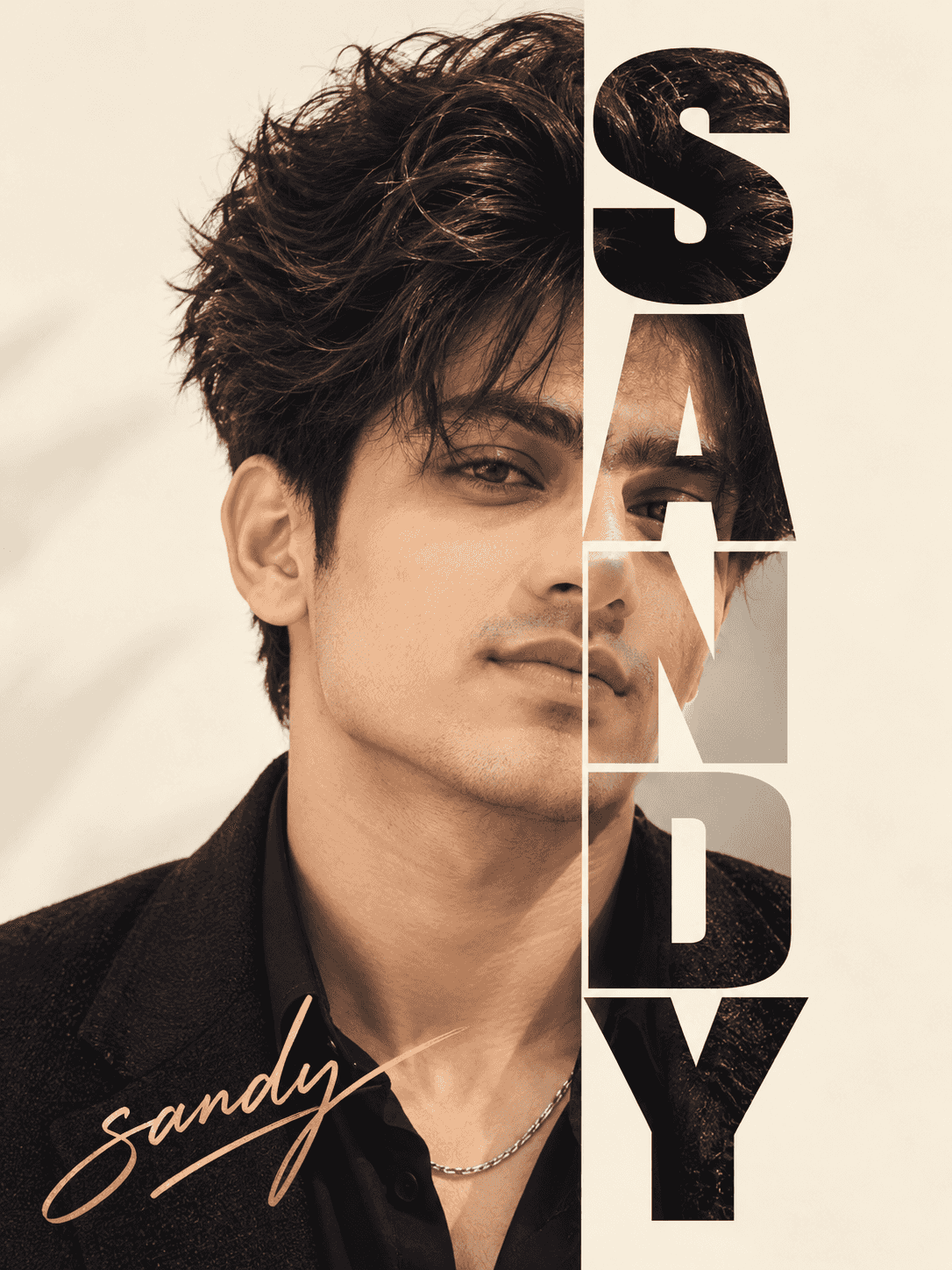
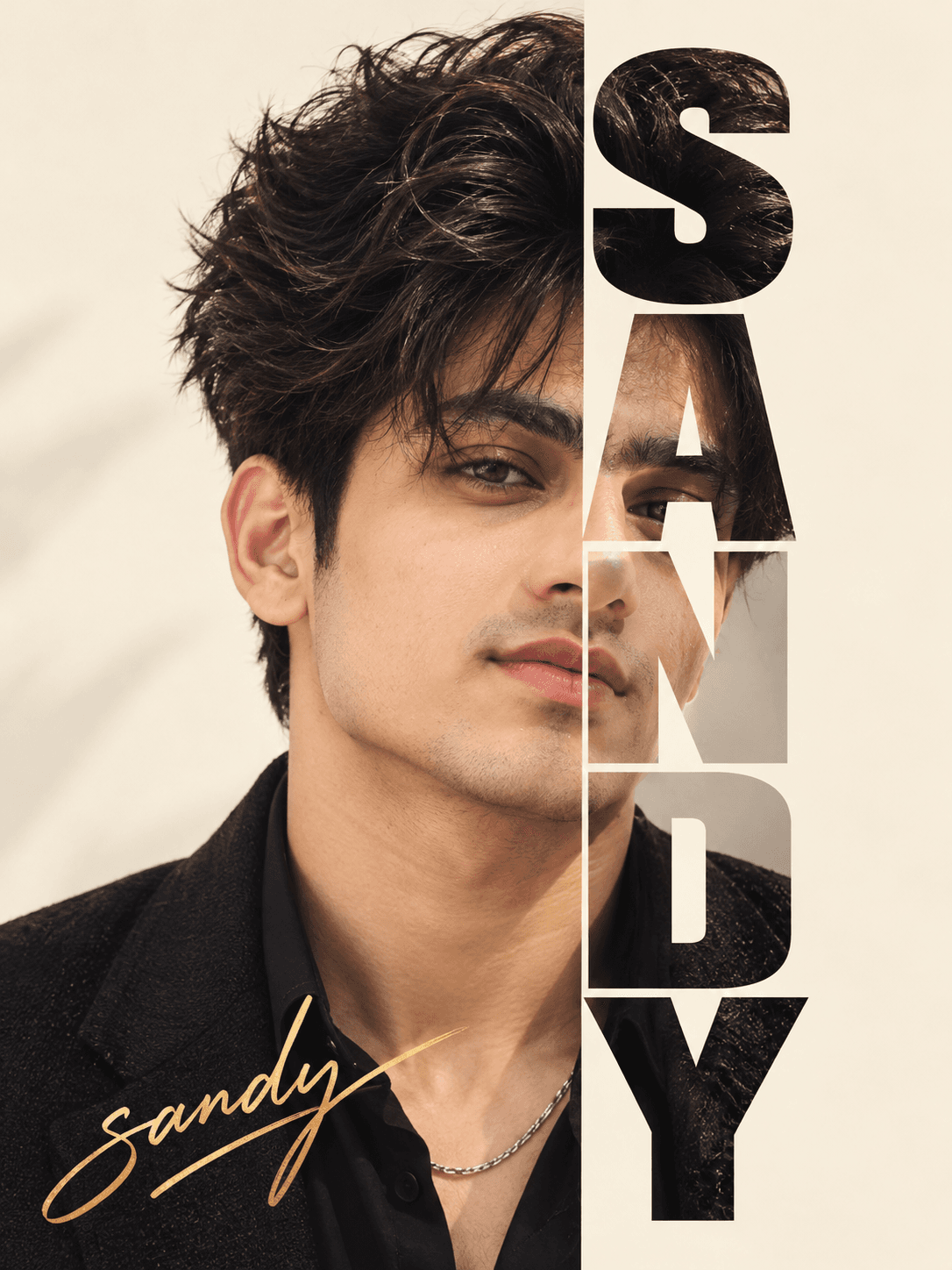
Create a SANDY typographic portrait with ChatGPT, featuring a cream background, half-face lettering, bold vertical text and a handwritten gold signature.
How to use this prompt
- Open ChatGPT and select the image generation feature.
- Upload your reference photo so ChatGPT can use it as the facial reference.
- Copy and paste the complete prompt into the image generation prompt box.
- Keep the canvas in a 3:4 vertical ratio. If a ratio selector is unavailable, include the 3:4 instruction in the prompt.
- Change the name, signature text, background colour, or signature colour as needed. Generate the image and check the face and letter placement.
- If the letters do not align correctly, regenerate with a clear instruction to keep the left half of the face visible and arrange one letter per line on the right.
Tip: Replace SANDY with your preferred name, or change the gold signature to silver.
Known limitations
- Exact facial identity and facial details may vary from the reference photo.
- The generated letters may not align perfectly with the right half of the face.
- Text spelling and handwritten signature details may be inaccurate.
- The final image may not match the exact 3:4 ratio on every attempt.
Customize Parameters
Fill in the fields below to customize your prompt
Live Compiled Prompt367 chars
Create a 3:4 typographic portrait on a cream background with soft lighting. Preserve the face: keep the left half visible and crop the right half into the word "SANDY" in bold uppercase letters, with one letter per line. Use a single continuous photo without shifting or duplicating any facial features. Add "sandy" as a handwritten gold signature at the bottom left.
Related Prompts
Discover more ChatGPT prompt templates with output previews and customizable fields.