
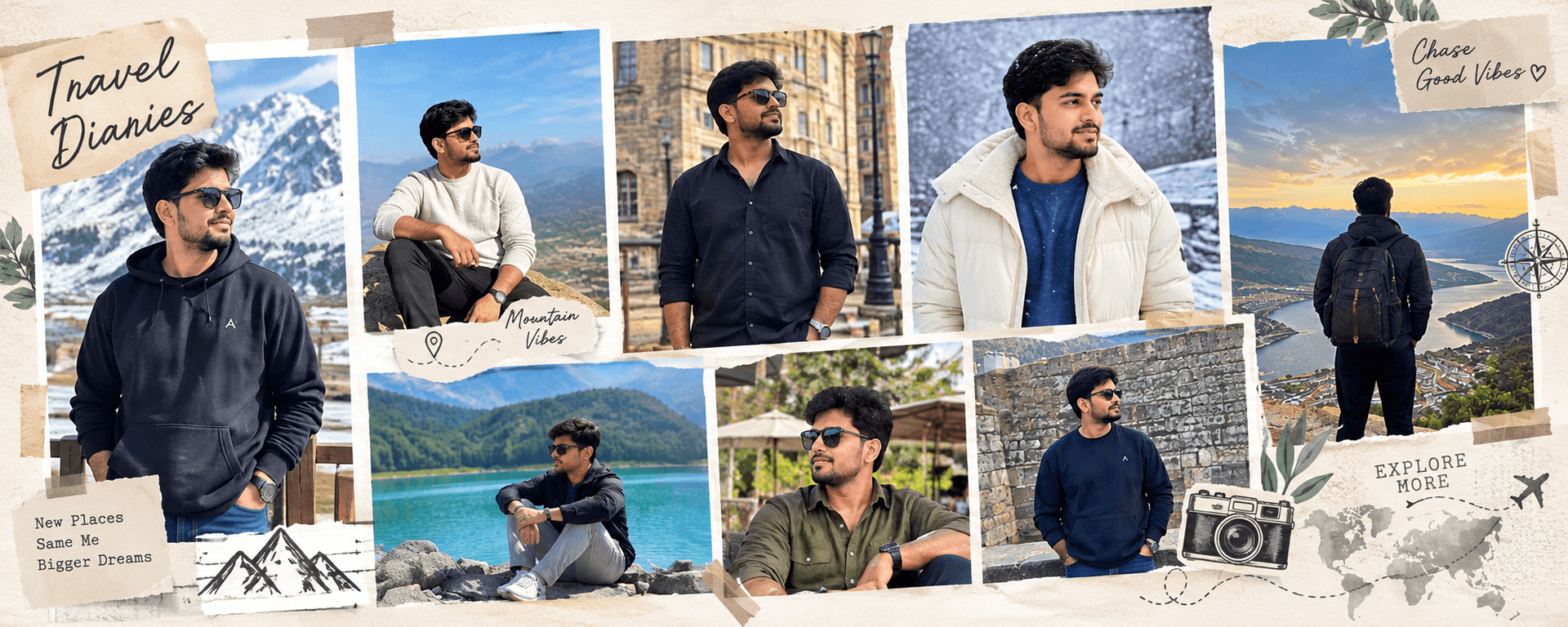
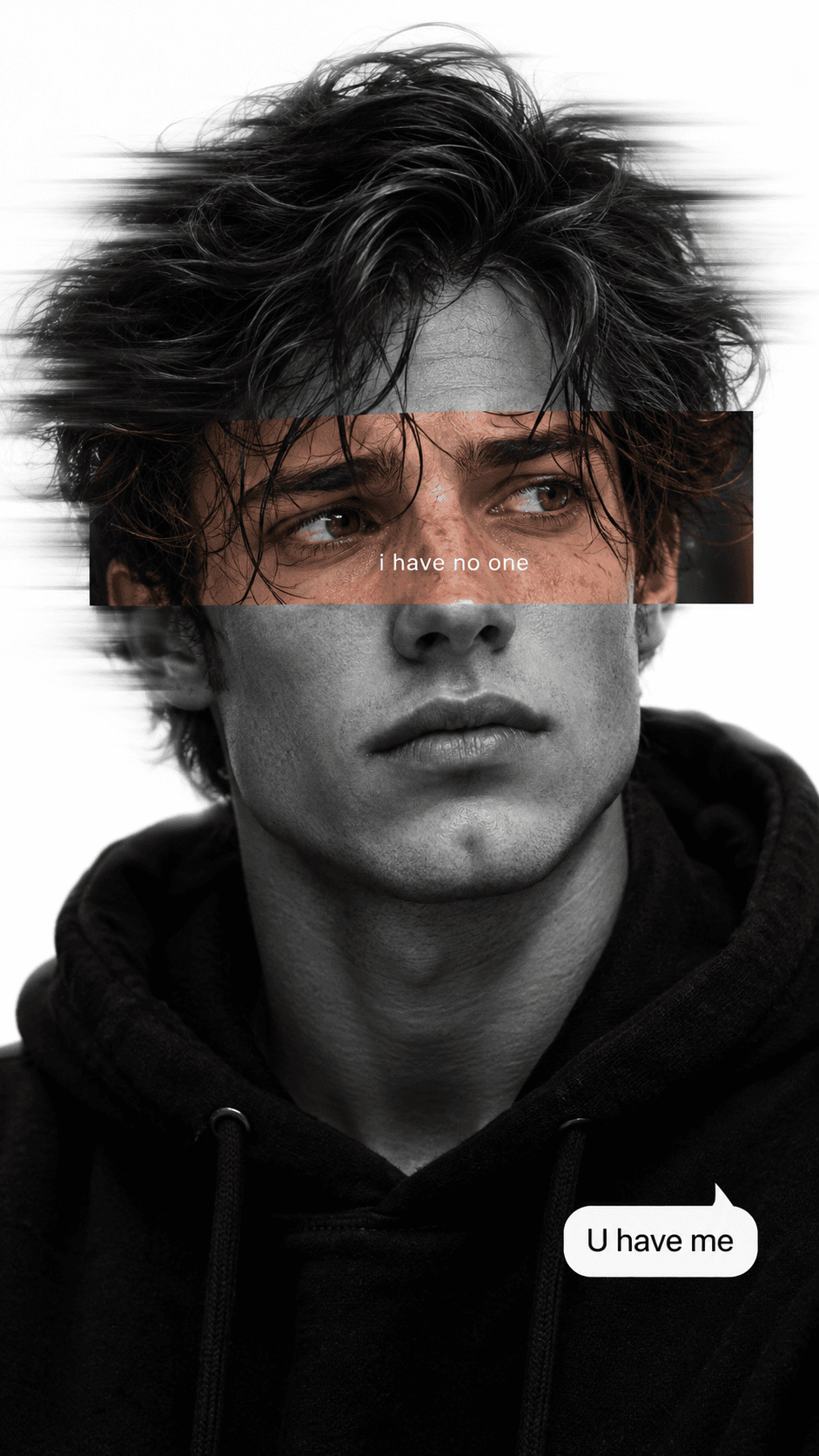
Smart Photo Grid Collage
AI prompt for ChatGPT ·
About this prompt
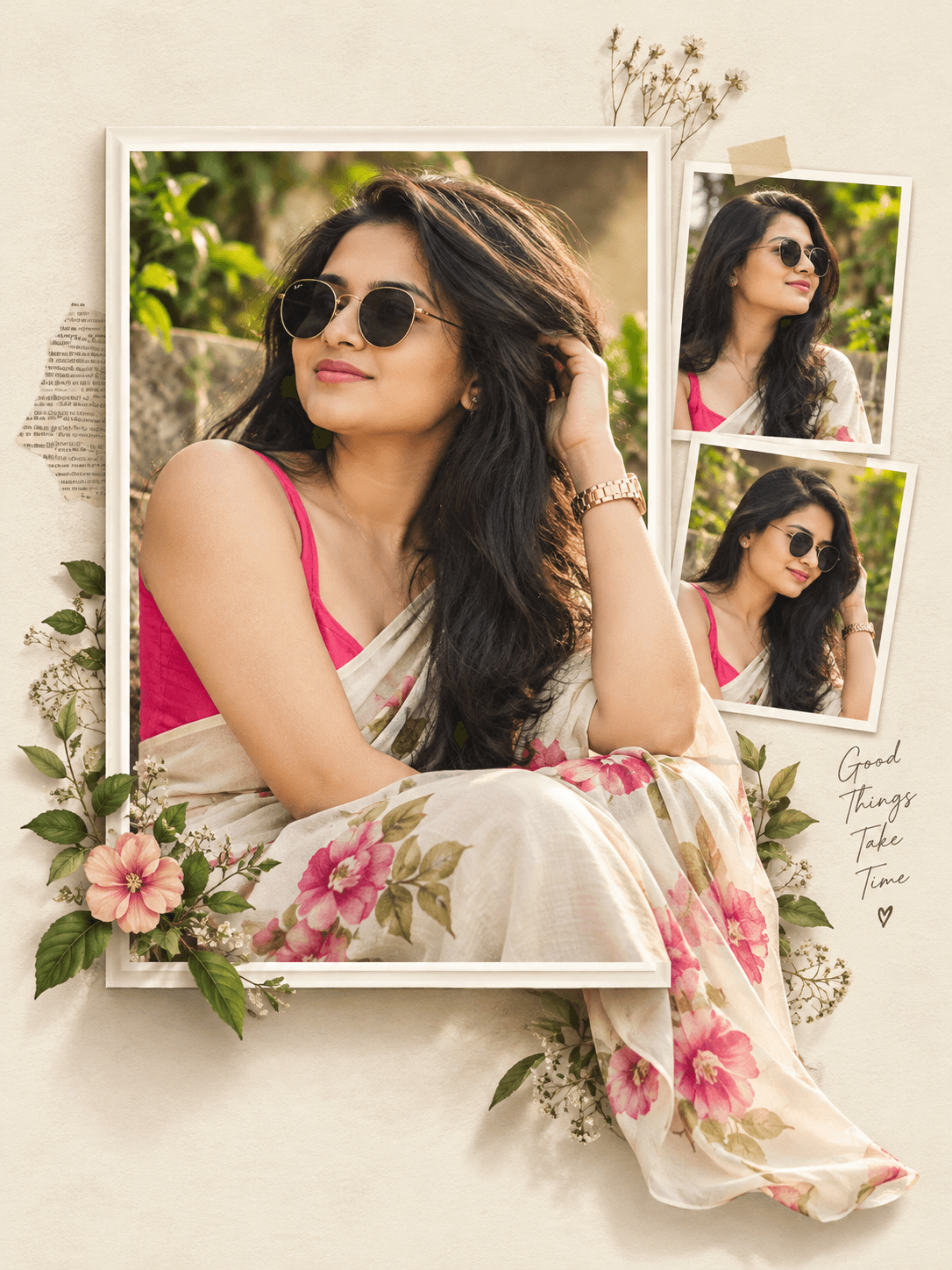
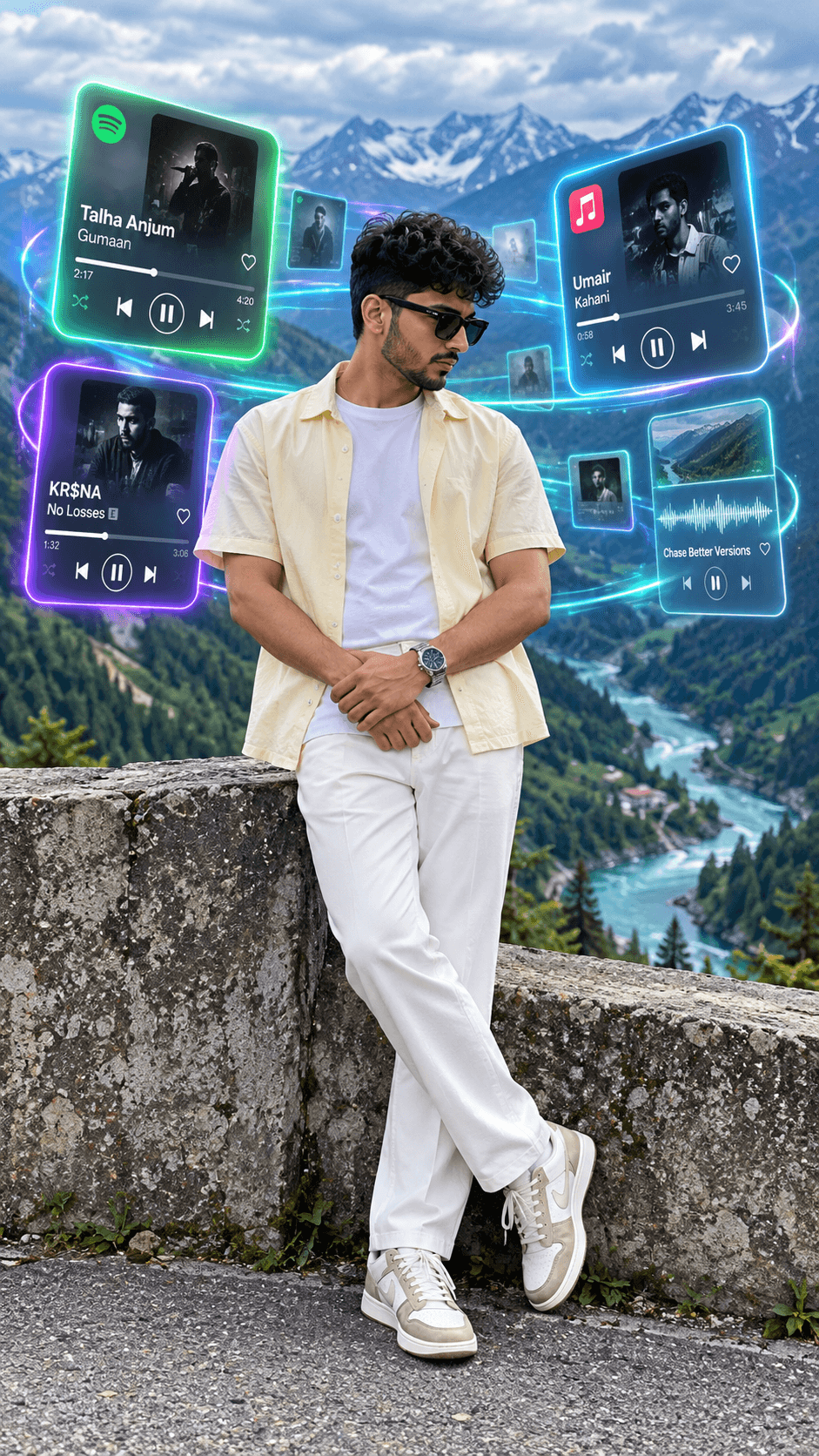
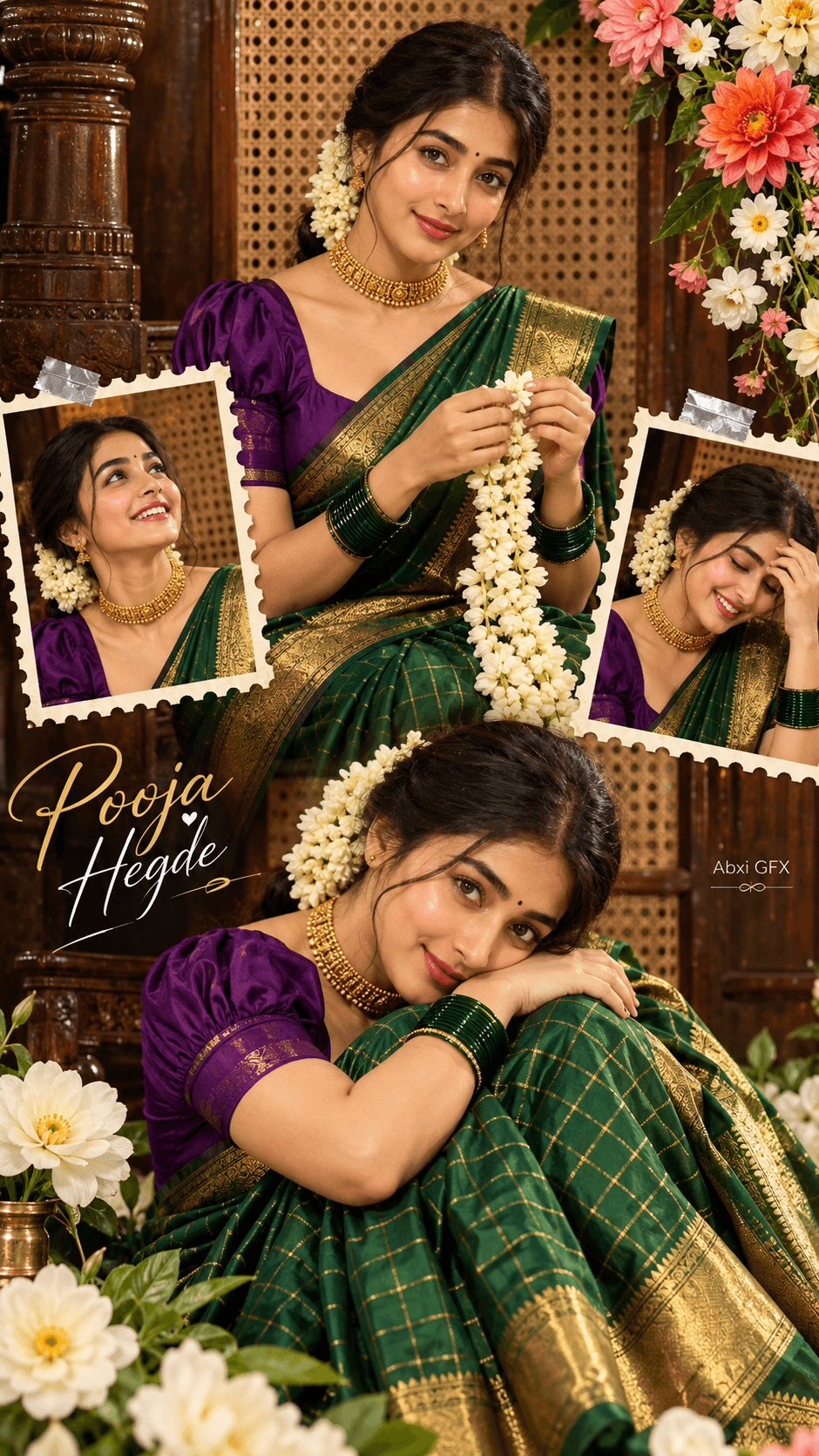
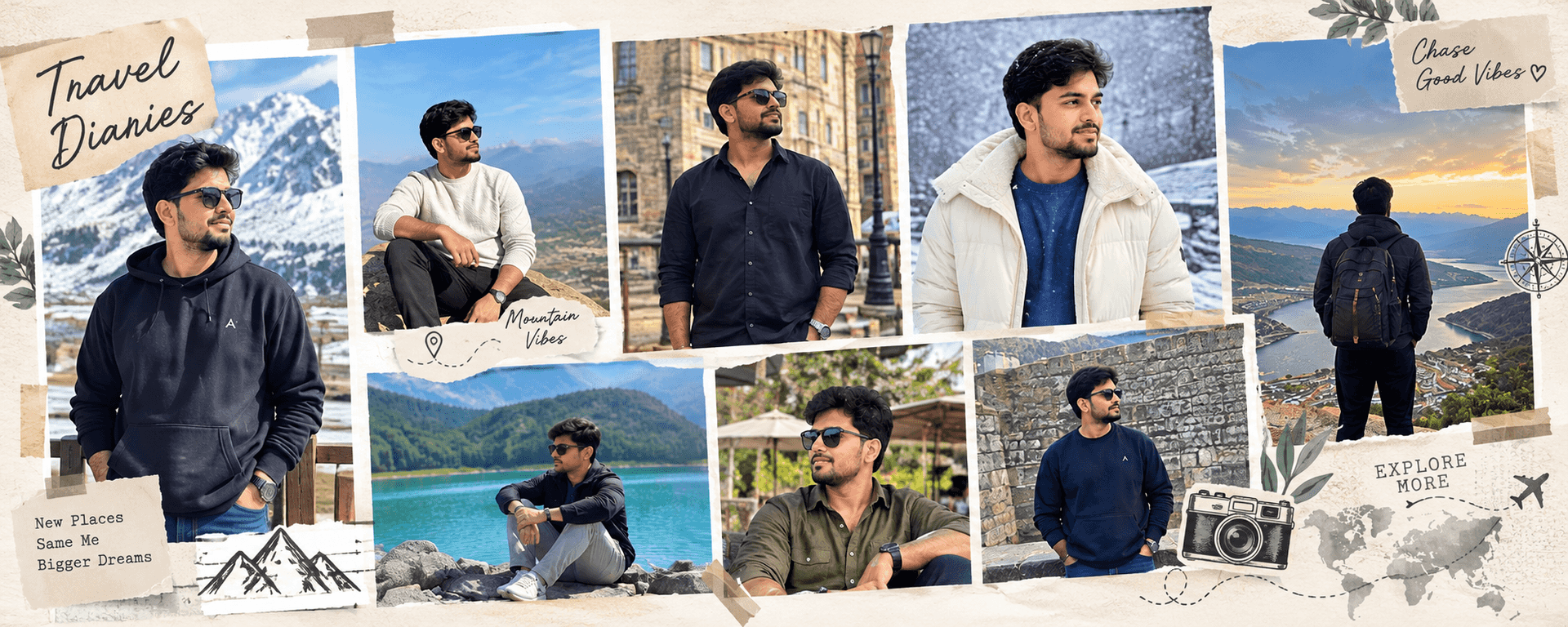
Create a smart photo grid collage with ChatGPT using your uploaded photos, a 4:20 vertical layout, matching themes, balanced frames and stylish text.
How to use this prompt
- Open ChatGPT and start a new conversation.
- Upload all the original photographs you want to include in the collage.
- Paste the complete prompt template into the message box and select your preferred aspect ratio and caption style.
- Ask ChatGPT to create one cohesive photo grid collage using every uploaded photo exactly once.
- Check that the generated result includes all your photos and that no important details have been cut off. If necessary, use an image editor to arrange the original photos directly into the layout.
- Export the final composition at the exact 1:5 ratio, such as 800 × 4000 pixels, when supported by your editor.
Tip: Use a travel scrapbook style or a clean luxury editorial grid.
Known limitations
- AI may change small details in uploaded photos instead of preserving the original pixels.
- Exact aspect ratios may require resizing or arranging photos in an image editor.
- Text spelling, hands, jewellery, and fine details may contain errors.
- Check that every uploaded photo appears exactly once and no important details are cropped.
Customize Parameters
Fill in the fields below to customize your prompt
Live Compiled Prompt4095 chars
# AI Smart Photo Grid Collage Designer
## ROLE
Act as a professional photo collage designer and editorial art director. Arrange ALL uploaded photographs into one polished collage, preserving their original content.
## 1. ORIGINAL PHOTO PRESERVATION — HIGHEST PRIORITY
Treat every uploaded photograph as an immutable asset.
- Place original photos directly into the layout. Never regenerate, retouch, beautify, recolour, relight, filter, or alter their contents.
- Preserve faces, expressions, skin tones, hair, clothing, accessories, poses, objects, scenery, lighting, and original colours.
- Never invent, duplicate, merge, or omit photos.
- Fit each complete photo inside its frame whenever possible. Avoid cutting off faces or important details.
- Keep text, borders, decorations, and backgrounds separate from photo content.
- Prefer direct image compositing over AI image editing.
**Rule:** Design around the original photos, never redesign the photos.
## 2. ORIENTATION AND ASPECT RATIO
Orientation: Horizontal
Aspect ratio: 4:20 (1:5)
- Vertical means height exceeds width; Horizontal means width exceeds height.
- Follow the selected ratio. Use 4:20 (1:5) for a tall collage and 20:4 (5:1) for a panoramic collage.
- Adapt rows, columns, frame sizes, and spacing to the canvas and uploaded photos.
- Use balanced hero and supporting frames where appropriate.
- Include every photo exactly once.
- If exact dimensions are unsupported, use a layout editor to achieve them without modifying the photos.
## 3. THEME
Selected theme: Auto Detect
If Auto Detect is selected, infer the dominant theme from the photos. Otherwise, follow the chosen theme without misrepresenting their content.
Options include Travel, Wedding, Birthday, Anniversary, Family Memories, Friends, Events, Fashion, Lifestyle, Nature, Food, Architecture, Graduation, Festival, and Other.
## 4. AUTOMATIC ART DIRECTION
Choose a cohesive grid, palette, typography, and decorations to suit the theme.
- Travel: natural neutrals and subtle map details.
- Wedding: ivory, champagne, beige, and elegant typography.
- Birthday, Anniversary, and Events: coordinated celebratory accents.
- Family and Friends: warm tones and personal-memory styling.
- Fashion: minimal editorial grids and precise spacing.
- Nature: earthy colours and botanical details.
- Food: warm neutrals and clean frames.
- Architecture: geometric layouts and clean lines.
- Graduation: elegant achievement-inspired styling.
- Festivals: appropriate cultural colours and restrained motifs.
These are guidelines, not fixed presets. Never recolour photos to match the design.
## 5. TEXT AND TYPOGRAPHY
Caption style: Minimal Editorial
Add a few short, relevant headings only when they improve the design.
Examples: Travel — "TRAVEL DIARY"; Wedding — "OUR SPECIAL DAY"; Birthday — "BIRTHDAY MEMORIES"; Family — "LITTLE MOMENTS"; Events — "EVENT HIGHLIGHTS"; Fashion — "THE LOOKBOOK"; Nature — "INTO THE WILD"; Graduation — "A NEW CHAPTER".
Use readable typography, consistent alignment, and suitable contrast. Never cover faces or important details. Do not invent names, dates, locations, venues, or event details. Use generic captions when information is unknown.
## 6. GRID QUALITY
Create a balanced, publication-ready composition with clean rectangular frames, consistent spacing, deliberate alignment, and clear visual hierarchy. Adapt the layout to the orientation, photo count, and image shapes. Keep decorations restrained; avoid clutter, random stickers, excessive shadows, and unnecessary gradients.
## 7. FINAL OUTPUT
Create ONE finished collage, not separate images. It must follow the selected orientation and ratio, include every uploaded photo exactly once, preserve original photographic content, match the selected or detected theme, and use truthful text with cohesive styling.
## FINAL PRIORITY
Photo fidelity comes before decoration. If an effect requires altering a photo, omit it and adjust the layout instead. If AI generation cannot preserve original pixels, use a direct image-compositing editor for the final result.
Related Prompts
Discover more ChatGPT prompt templates with output previews and customizable fields.